Crystal Dew World logo

CrystalMark 2004

CrystalMark 2004 [Obsolete]

*The ranking system has been terminated.
The result of CrystalMark 2004R7 is not compatible with CrystalMark 2004/R2/R3.

CrystalMark 2004R7 is a 32bit total benchmark software.

Benchmark Ranking

System Requirements

CrystalMark 2004R7

OS x86 : 2016/10/8.1/8/2012/7/2008/Vista/2003/XP/2000
x64 : 2016/10/8.1/8/2012/7/2008/Vista/2003/XP

CrystalMark 2004R3

OS x86 : Vista/2003/XP/2000
x64 : Vista/2003/XP

CrystalMark 2004

OS x86 : NT4/Me/98/95
IE 4.0 ~

Key Features

  • Supports max. 32 Threads for ALU/FPU/MEM tests
  • CPU (ALU/FPU)
  • Memory
  • HDD
  • Graphics (GDI/DirecDraw/OpenGL)
  • BIOS/Mother Board Information
  • CPU (Clock, Cache, Multiplier, System Clock …)
  • Chipset (North/South)
  • Video (Driver Information/ Video RAM)
  • PCI Device
  • IDE HDD Information
  • DLL Information (Windows / VisualC++ / VisualBasic / Archiver )
  • Wallpaper

Important Notice

  • “MB/s” means 1024*1024byte/second.

Screen Shots

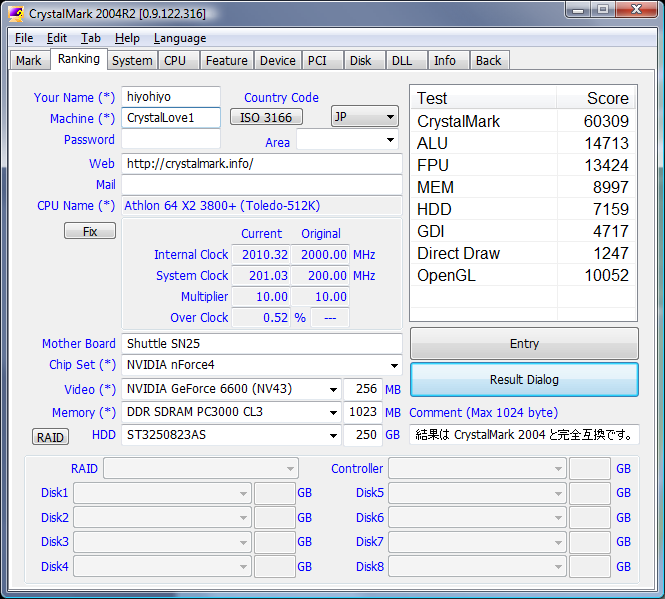
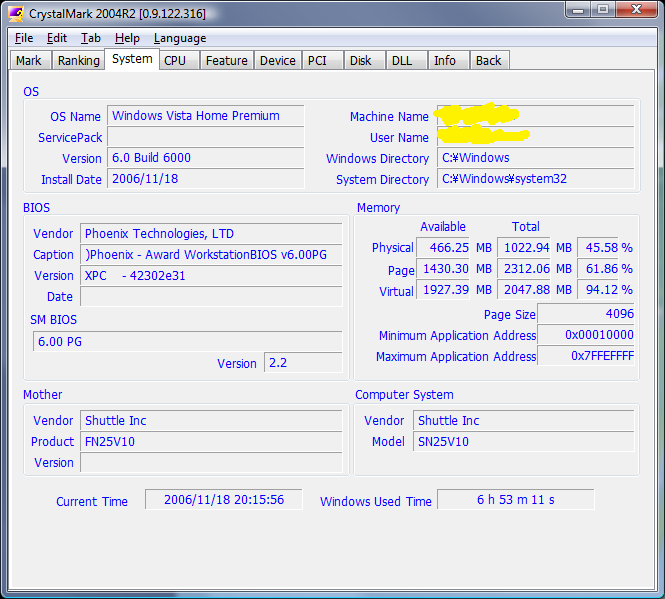
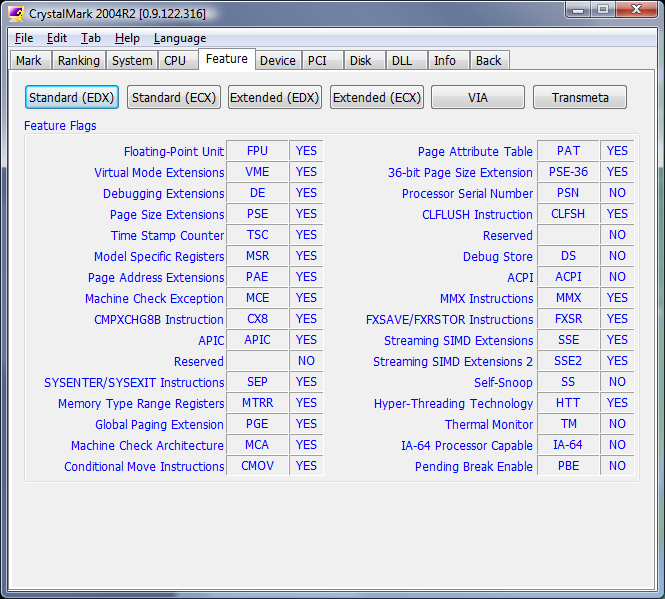
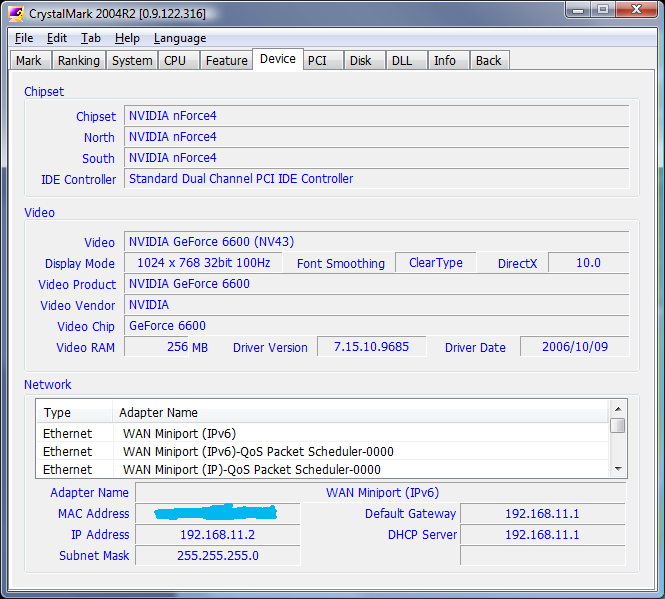
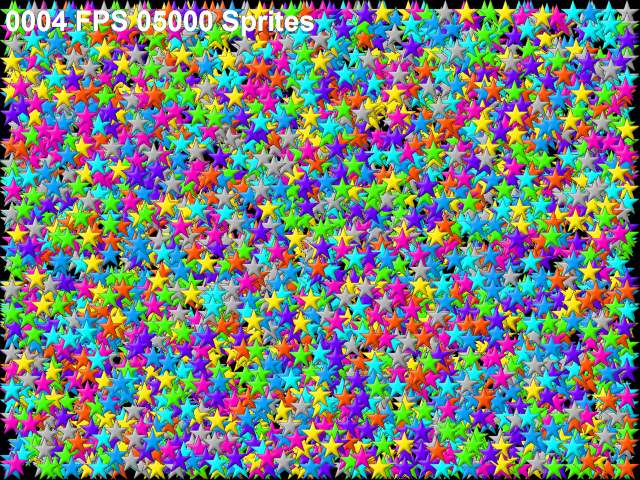
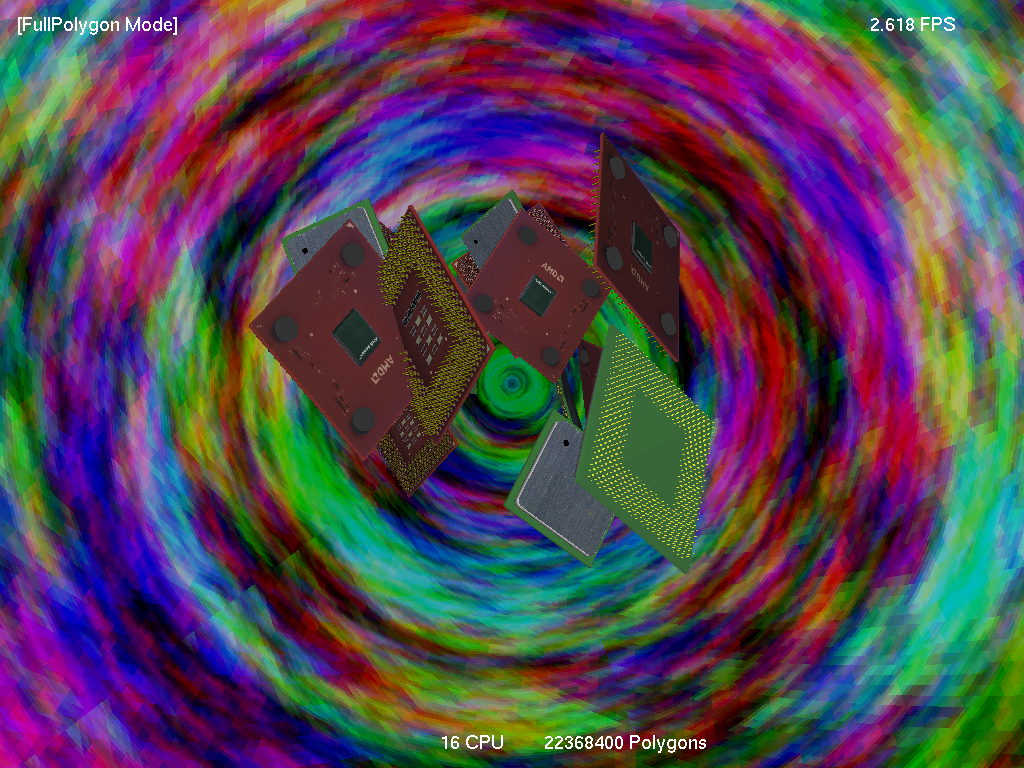
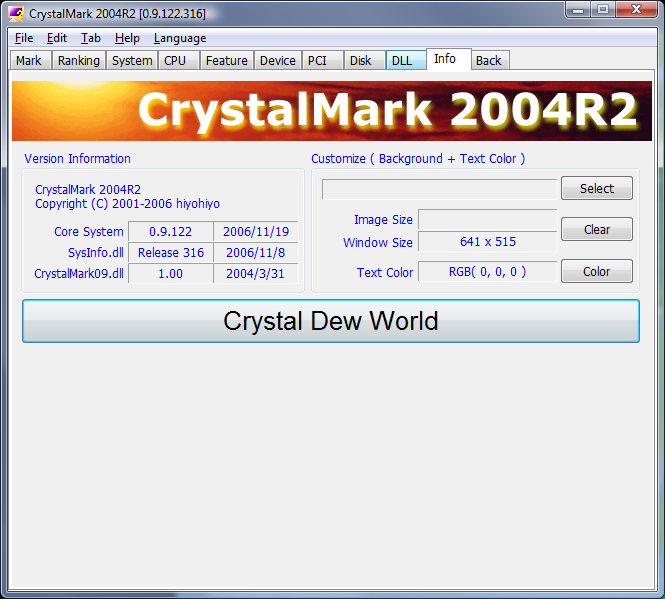
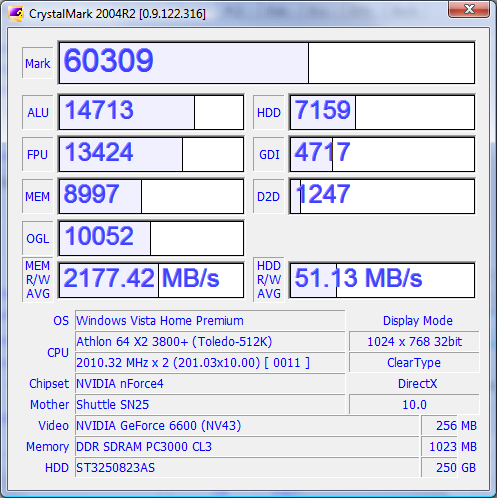
CrystalMark 2004 MARK panel on Windows CrystalMark 2004 RANKING panel on Windows CrystalMark 2004 SYSTEM panel on Windows CrystalMark 2004 CPU panel on Windows CrystalMark 2004 FEATURE panel on Windows CrystalMark 2004 DEVICE panel on Windows CrystalMark 2004 PCI panel on Windows CrystalMark 2004 DISK panel on Windows CrystalMark 2004 DLL panel on Windows CrystalMark 2004 GDI panel on Windows CrystalMark 2004 D2D panel on Windows CrystalMark 2004 OGL panel on Windows CrystalMark 2004 INFO panel on Windows CrystalMark 2004 RESULT panel on Windows

Using CrystalMark 2004 on a Windows PC

This independent guide introduces CrystalMark 2004 from a practical Windows user’s perspective. It explains what the utility is designed to show, which preparation steps improve consistency, how editions differ, and where the displayed values need additional context.

Before running a storage test, pause large transfers, leave sufficient free space, and note the active power plan and driver. Confirm the program version and publisher information before installing it. Compare results only when workload and settings match, and never use a performance test as a replacement for backups or health monitoring.

Return Top